

Modern Workplace
Workplace hardware: laptops and PCs that suit your team and your management
Laptops, PCs and accessories that suit your team, supplied and ready to use straight away. We standardise on HP for the workplace and also supply Microsoft and Apple.
The problem
A new colleague who has to wait days for a laptop, or a device that is set up slightly differently from the rest: it costs time and makes management unpredictable. Especially when all kinds of brands and models have been bought over the years.
That is why we have standardised on HP for the workplace. We supply laptops, PCs and accessories that suit your team, and make sure they are ready to use straight away and come under management. If Microsoft Surface or Apple suits your team better, we supply those too.
What will you notice?
Your team mainly notices that a new laptop simply works, from day one. You know which devices are in use and when they are due for replacement.
What it does for you
How Workplace Hardware helps you
- 01
One standard, less hassle
We have standardised on HP for the workplace. We know the models, the drivers and the warranty. That makes management predictable and issues quicker to resolve.
- 02
Ready to use straight away
If your environment is set up with Microsoft Intune and Autopilot, a new laptop sets itself up on first start-up with your settings, software and security. Unpack, sign in and get going.
- 03
The right device for each role
A light laptop for people who are often on the move, a powerful workstation for designers. If your team prefers to work with Microsoft Surface or Apple, we supply those too, and manage them just as centrally with Microsoft Intune.
Our standard
The devices we supply
For the workplace, we have standardised on HP. Three models cover almost every role.
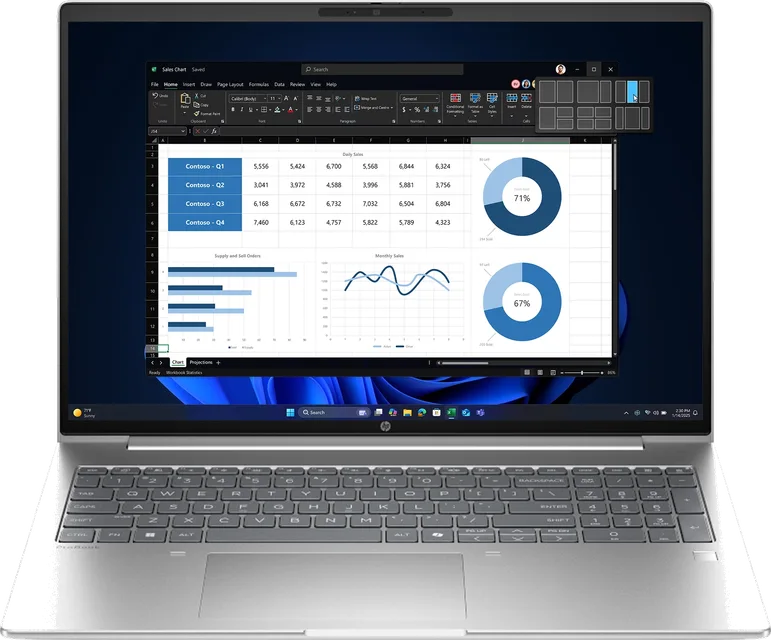
HP ProBook 4 G1i
The reliable laptop for most employees.
- 14 or 16 inch
- For everyday office work, meetings and Teams
- HP business security built in
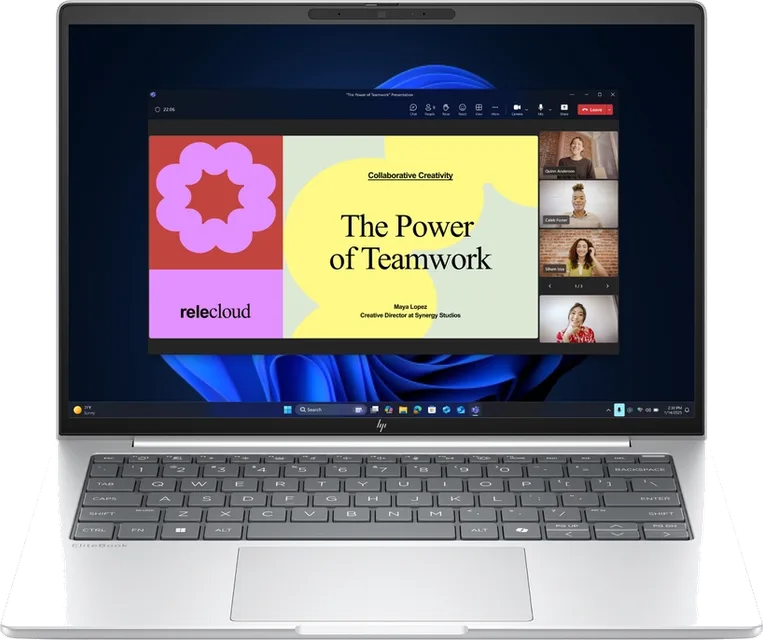
HP EliteBook 6 en 8 G1i
Light and extra secure, for people who are often on the move or work with sensitive data.
- 14 or 16 inch
- Light and sturdy, with a long battery life
- Extra security and remote management
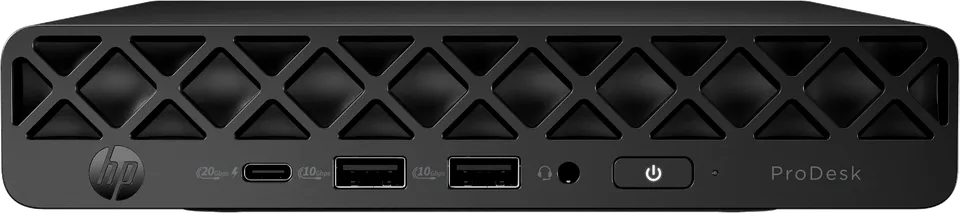
HP ProDesk 4 Mini G1i
A compact, quiet PC for the fixed workstation.
- Fits behind the screen or under the desk
- Quiet and energy-efficient
- With the screen, keyboard and mouse of your choice
On request
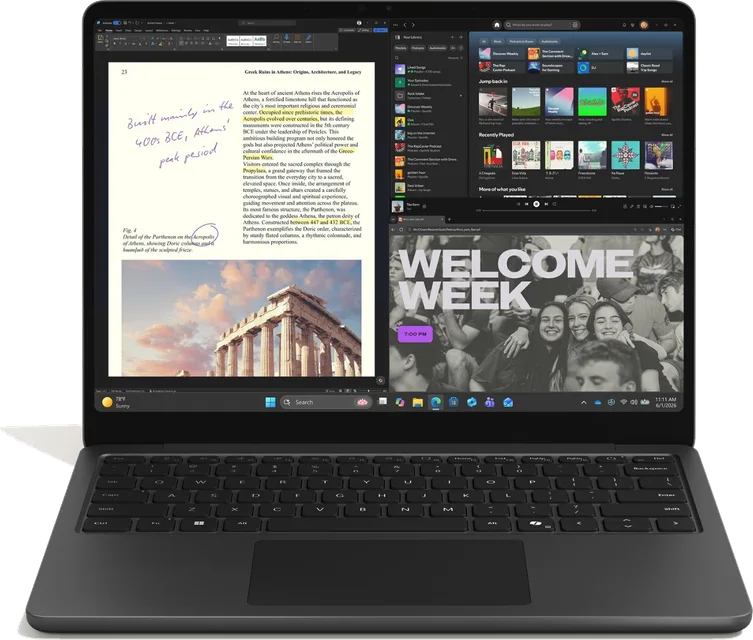 Microsoft SurfaceSurface Laptop or Surface Pro, for people who also want to use their laptop as a tablet. Managed with Microsoft Intune, just like the rest.
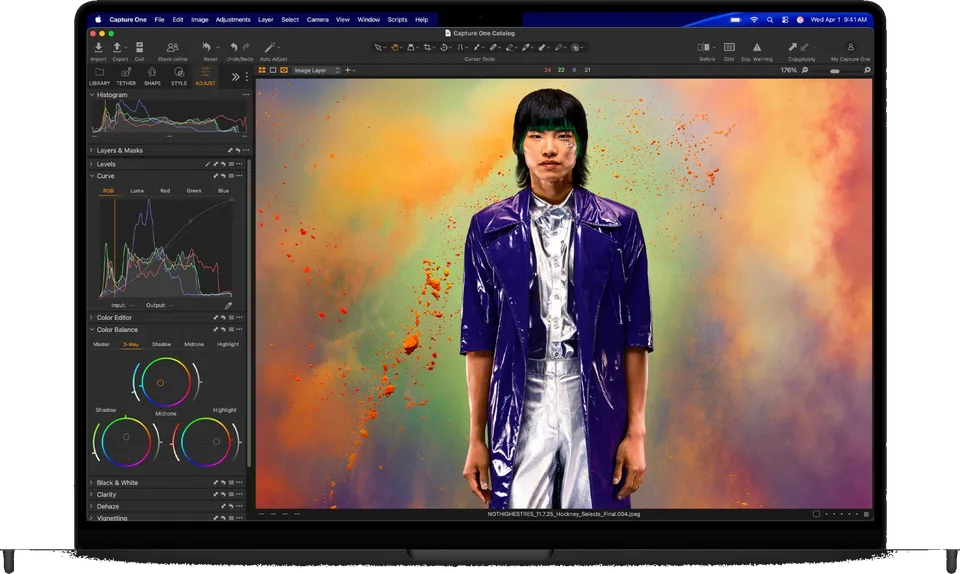 Apple MacBookMacBook Air or MacBook Pro, for people who work with macOS. Also centrally managed with Microsoft Intune, with the same security.
How it works
How we arrange it
Not a technical story, but what happens and who does what.
Plan an introduction- Step 1
Advice
Together we look at which devices suit the different roles in your organisation, taking into account what is already there.
- Step 2
Supply
We order the devices and accessories, such as screens and docking stations, and make sure everything is in the right place on time.
- Step 3
Setup
The devices are given your settings, software and security, and come under our management straight away. With Intune and Autopilot, this happens automatically.
- Step 4
Lifecycle
We keep track of how old the devices are and when the warranty expires, so you replace them on time and as planned, rather than when something goes wrong.
Frequently asked questions
Questions about Workplace Hardware
Is your question not listed? Feel free to call us, we are happy to think along with you.
Why one fixed brand?
Because then we know the devices inside out. The same models, drivers and warranty arrangements make management simpler and issues quicker to resolve. For the workplace, that brand is HP for us.
Can we also get Apple or Microsoft Surface?
Yes. We also supply Apple and Microsoft. Apple devices, such as a MacBook, iPhone or iPad, are also centrally managed with Microsoft Intune, with the same security and arrangements as the rest of your workstations.
Does a new laptop always set itself up automatically?
That works once Microsoft Intune and Autopilot have been set up for you. We do that as a one-off project (device management with Intune and Autopilot). After that, every new laptop sets itself up.
Do we have to buy the hardware from you?
No, you do not have to. The advantage of buying through us is that the devices are set up straight away and come under management, and that we arrange the warranty and replacement for you.
Can we keep using our existing laptops?
Usually, yes. During the analysis we look at what is there and only advise replacement where it is really needed.